Get started
Your terminal, up and running.
Find your device below. Each one opens its setup video right here — no hunting, no login. Your processing program guide is at the bottom of the page.
Setup videos Setting up Clover Mini (gen 3) Setting up Clover Flex (gen 3) Setting up Station Duo (gen 2) Create and manage your menu Add images to your online menu Setting up Station Solo Setting up Clover Go
Clover terminals
Pick the device you have.
-
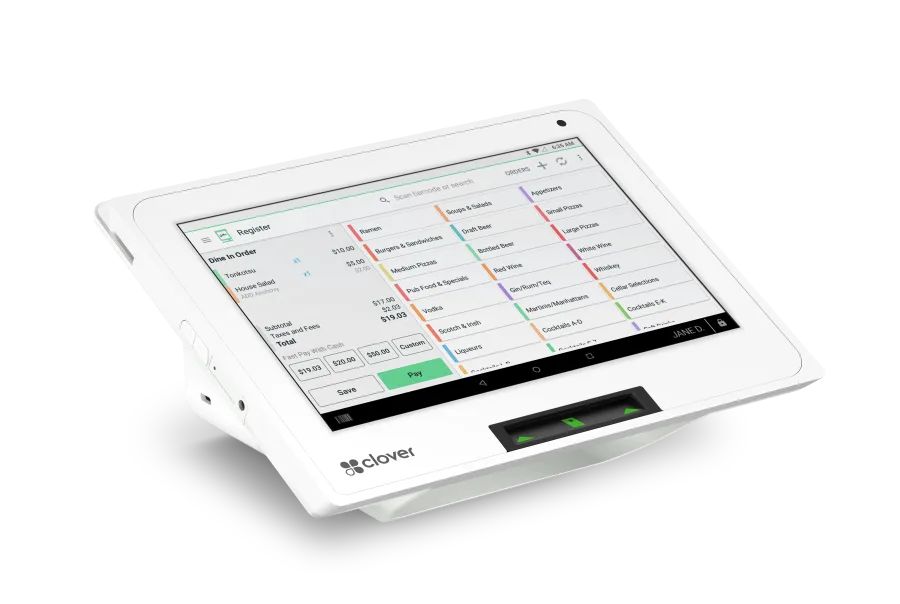 Clover Mini The countertop workhorse. Full register in a small footprint. Watch setup
 -
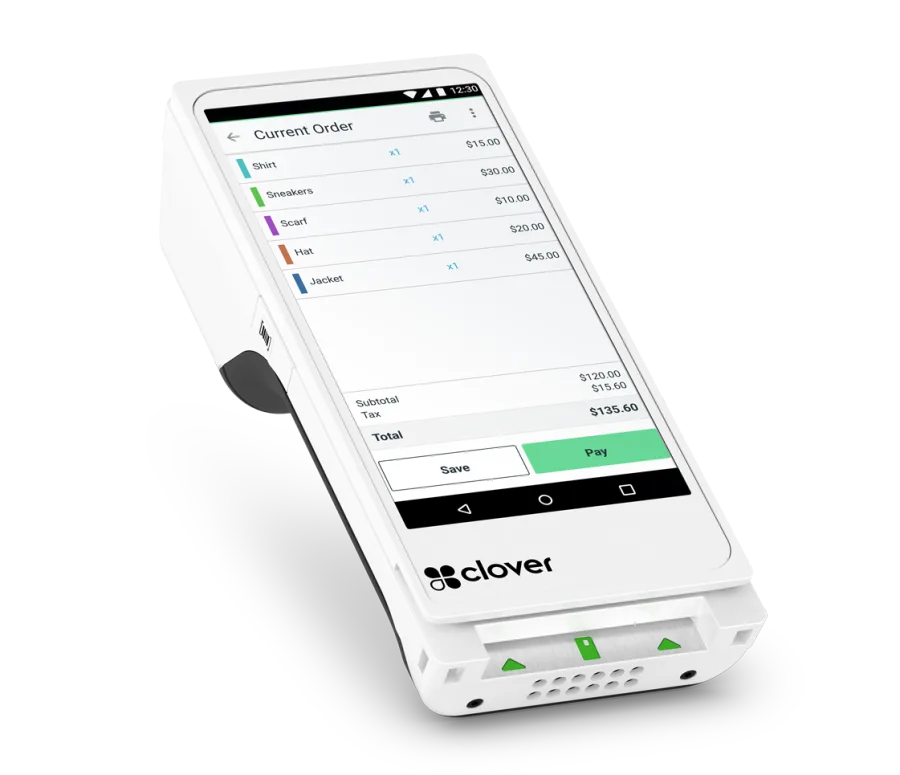 Clover Flex Handheld. Take payment at the table, the curb, or the job site. Watch setup
 -
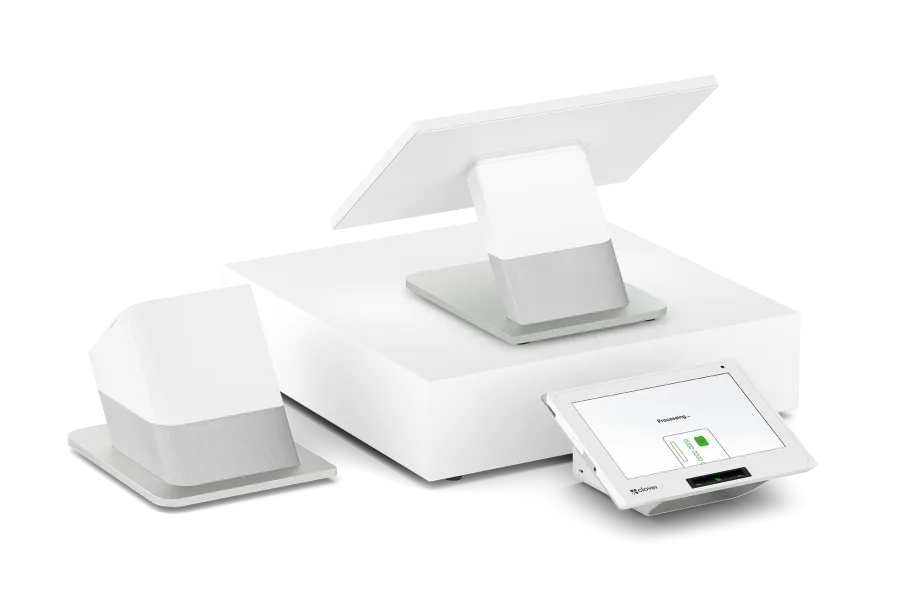 Clover Station Duo Two screens — one for staff, one for the customer. Full counter setup. Watch setup
 -
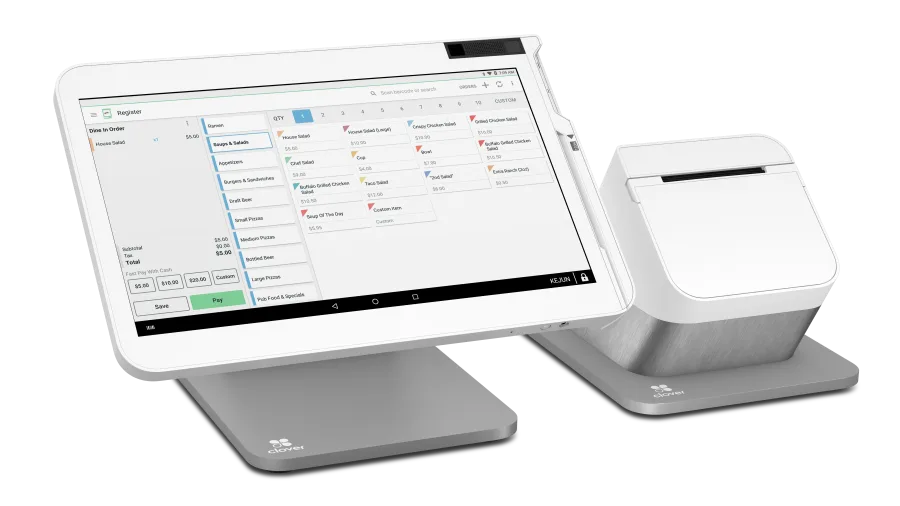 Clover Station Solo Single-screen station. The full register, one display. Watch setup
 -
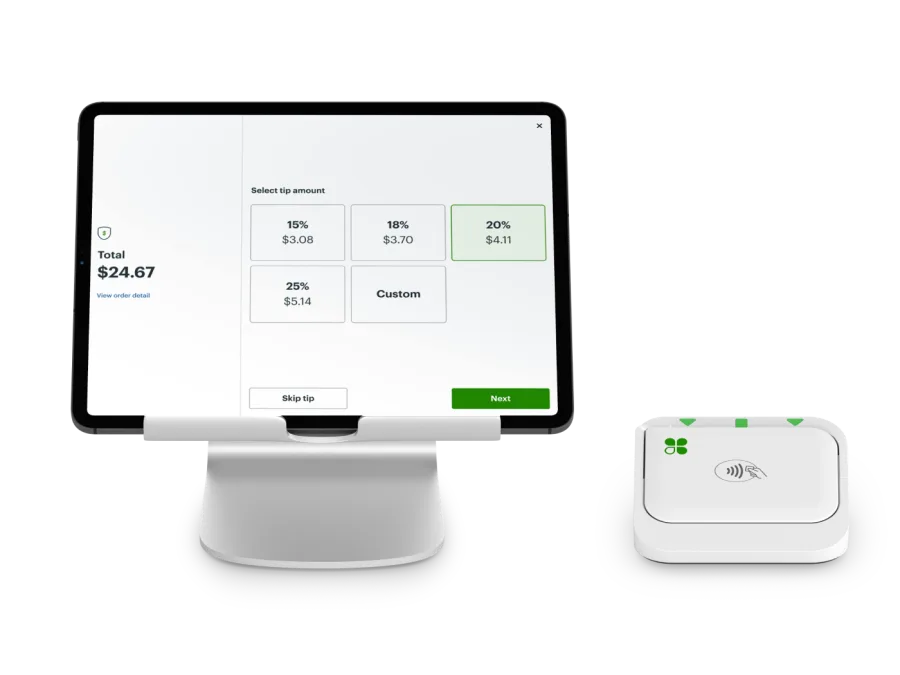 Clover Go Card reader that pairs with your phone. Payment anywhere you are. Watch setup
 -
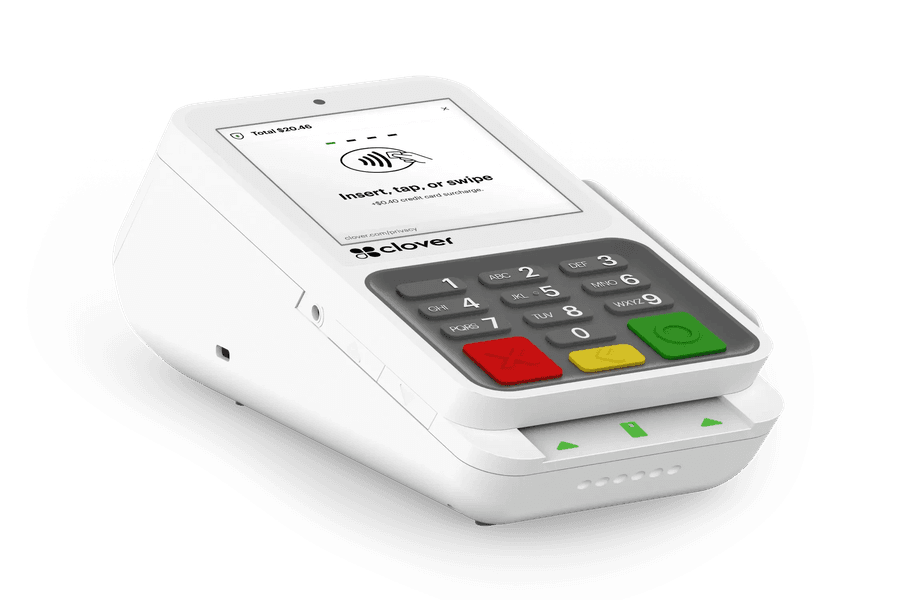 Clover Compact Small countertop reader. Tap, dip, and swipe without the full station. Setup guide
Choose your terminal above and its setup guide opens here.
Clover Mini
Choose a different terminalClover Flex
Choose a different terminalClover Station Duo
Choose a different terminalFor restaurants — help with menus
Clover Station Solo
Choose a different terminalClover Go
Choose a different terminalClover Compact
Choose a different terminalClover publishes the setup steps for this device. Clover Compact setup guide
Legacy hardware
First Data terminals
Older hardware, still supported.
-
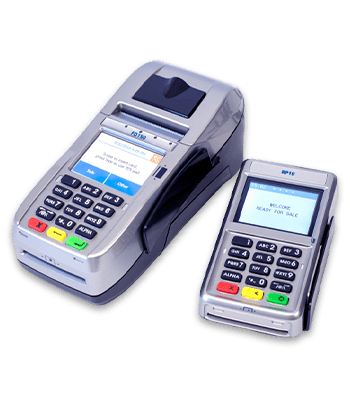
FD-150
FD150 getting started -
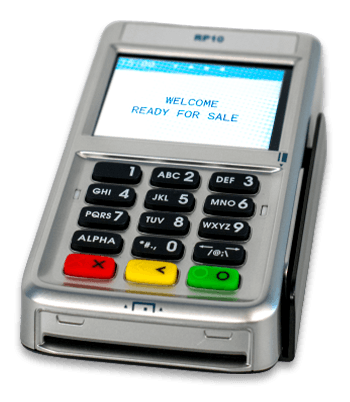
RP10 PIN Pad
RP10 setup guide
Gift cards
Clover gift cards
Start a gift card program, or order plastic cards for the counter.
Program guides
Program guides
Check the first three digits of your merchant ID — that decides which guide is yours.